

### Blog Post:
Smart Home Security Systems are reshaping how Americans protect their homes, but in 2026, there’s much more to consider than flashy features. Most buyers only realize the real costs, true adoption rates, and hard-to-fix integration or privacy issues after making a purchase. Here’s exactly what you should know before committing your money or data to any “smart” upgrade.
Key Takeaways
- The average U.S. smart home security system costs $2,850 installed (range $700–$5,000), and setup fees often exceed the sticker price.
- Adoption is now mainstream: 74.9 million U.S. homes have security cameras; 58.9 million own video doorbells; 19% own smart locks.
- Long-term pitfalls include poor device integration, rising subscription fees, Wi-Fi reliability problems, and serious privacy/cybersecurity risks.
- Why Smart Home Security Systems Matter in 2026
- How Common Are Smart Security Devices—And Who’s Buying?
- What’s the Real Cost of a Smart Home Security System?
- Most Overlooked Complaints from Real Users
- The Three Critical Factors Most Reviews Miss
- How to Choose the Best Home Security System for You
- Final Thoughts: Future-Proofing Your Smart Home Security
- Frequently Asked Questions
Why Smart Home Security Systems Matter in 2026
Smart Home Security Systems are no longer optional for most modern U.S. households—they’ve become a near-necessity, used by millions to guard against theft, property damage, and more. As of 2026, this market is valued at $32.5 billion and is forecasted to almost double to $62 billion by 2029, growing at an impressive 8.9% CAGR [source].
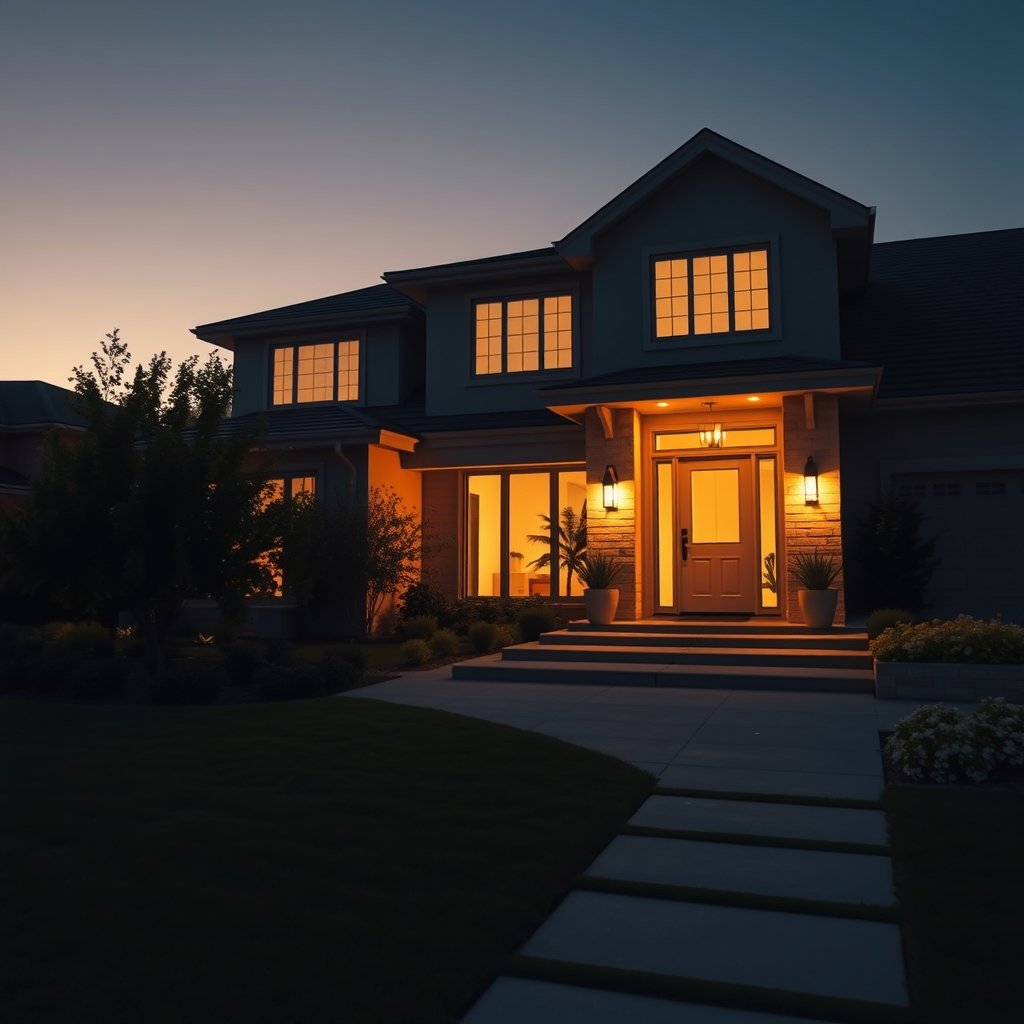
This shift is not just about convenience. Home insurers offer up to 20% premium reductions for owners with robust security systems. Meanwhile, the constant risk of burglaries and package theft has led even renters and first-time buyers to consider their first system. Smart Home Security Systems are being rapidly adopted across demographics and geographies—urban, suburban, younger, older—and are transitioning from luxury gadget to utility must-have.
It’s essential to go beyond the shiny sales pitch and understand how these systems fit into the broader smart home ecosystem. For a holistic approach to home upgrades and value, see our guide to Home Improvement Ideas.
How Common Are Smart Security Devices—And Who’s Buying?
Security cameras, video doorbells, and smart locks aren’t rare tech anymore. In fact, 74.9 million U.S. households now have indoor and outdoor security cameras, while 58.9 million own video doorbells. Smart locks have reached 19% of all American homes [source].
Most adoption still skews toward tech-aware homeowners—ages 28 to 55—but renters and suburban households are quickly catching up. One reason? Security features are now bundled with other smart home devices, such as lighting or smart thermostats, making initial adoption less intimidating.
Additionally, Americans love convenience. More than 93% of U.S. homes report at least one smart device in 2024; 42% say most of their devices are “smart,” creating huge demand for seamless integration among brands and platforms.
If you’re adding smart cameras around a kitchen remodel or a garage upgrade, consider integrating your system planning—learn more in our article on Garage Organization.
What’s the Real Cost of a Smart Home Security System?
Most buyers look only at the starting price—but the true cost of Best Home Security Systems often surprises people. According to HomeAdvisor, the average cost of installing a pro-installed smart security system (full home) in 2024 is $2,850, with a broad range between $700 to $5,000 depending on your home size and system complexity. Even simpler smart device installations (doorbell, camera, smart lock) average $927 [source].
Here’s where it gets trickier: these numbers typically don’t include recurring subscription fees (usually $10–$60/month for cloud storage, pro monitoring, premium features), nor do they account for professional integration (required for full compatibility across multiple brands), or hidden costs like wiring older homes.
If you’re already planning a kitchen renovation, installing smart security at the same time can sometimes cut your costs. See how with our kitchen remodeling tips.
For a quick look at what you might pay, see the table below.
| Service or Device | Typical One-Time Cost | Typical Monthly Cost |
|---|---|---|
| pro-installed smart security system (full home) | $2,850 (avg) | $15–$60 |
| DIY system (doorbell/camera/sensors) | $700–$1,500 | $0–$20 |
| Single smart lock | $200–$450 | Often none |
| Cloud storage for cameras | Included/Free–$100 | $3–$10 per camera |
Make sure to check local codes and insurance requirements—some areas require pro installation or registration for certain types of video doorbells and cameras.
Most Overlooked Complaints from Real Users
Here’s what even the Best Home Security Systems struggle with, according to national user surveys:
- Wi-Fi Reliability: 46% of users experience lost connections, causing recording or real-time monitoring failures.
- Power Outages: 33% report system dropouts during blackouts or brownouts. Backup batteries help—but only last so long.
- Dead Batteries: 20% run into dead (or fast-draining) batteries, especially in outdoor cameras or smart locks.
- Setup/Pairing Problems: 19% struggle to connect devices to their hubs, apps, or smart speakers.
- Software/App Glitches: 15% complain about buggy apps, delayed notifications, or missing alerts [source].
Many of these issues are recurring, not one-time annoyances. For example, Wi-Fi dead zones can undermine entire camera networks, while finicky setup processes lead to excessive support calls.
You can minimize these frustrations by mapping out your home’s Wi-Fi coverage, using hardwired connections where possible, and insisting on local support if software fails.
The Three Critical Factors Most Reviews Miss
Read any “Best Home Security Systems 2026” roundup carefully and you’ll notice three glaring holes that could cost you money or put your privacy at risk:
- Privacy and Cybersecurity: Most reviews skip how the system protects your personal data, video footage, and home network—just as cyberattacks on smart home devices jumped 124% in 2024 [source].
- Device Integration and Platform Compatibility: Does your system connect smoothly to Alexa, Google Home, Apple HomeKit, and others? If not, expect headaches as your smart home grows (42% of U.S. homes are now mostly “smart”).
- Long-Term Subscription and Cloud Fees: Watch for introductory pricing that quickly climbs after 12 months—especially for cloud storage and pro monitoring.
To dig deeper into smart home technology that goes beyond security, check out our Smart Home Devices guide.
How to Choose the Best Home Security System for You
Here’s a stepwise, realistic method to find a security system tailored to your home’s specific needs and usage patterns:
- Clarify Your Budget: Get honest about not just upfront hardware and installation, but ongoing monthly costs.
- Assess Device Types: List which security cameras, video doorbells, and smart locks you truly need—don’t overspend on unused features.
- Check Compatibility & Integration: Your system should play well with existing devices and support multiple platforms—avoid “walled gardens.”
- Prioritize Data Privacy: Study privacy policies. Look for end-to-end encryption, local storage options, and transparent cloud policies.
- Examine Subscription Terms: Scrutinize all recurring fees, price increases after the promo period, and data retention practices.
- Insist on Real Support: Tech-aware buyers want responsive, knowledgeable support—not just sales chatbots.
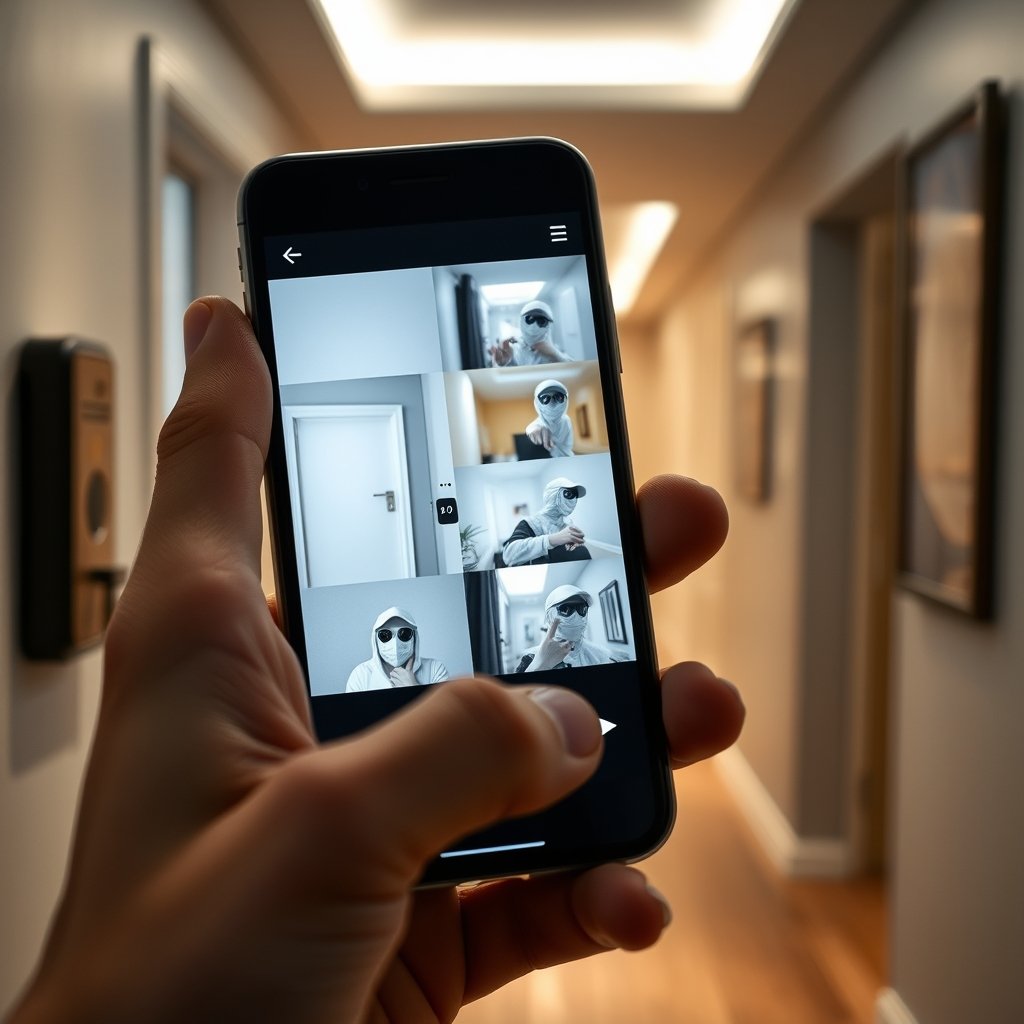
Also, for multipurpose home upgrades, see our guides to Bathroom Remodeling and Energy Efficient Home—often you can save on labor by integrating projects.
If you want to keep things approachable, start small with a basic camera or smart lock and scale once you’re comfortable. See comparison reviews in our Home Improvement Products guide.
Final Thoughts: Future-Proofing Your Smart Home Security
Smart Home Security Systems are evolving fast—but so are cyber threats and system integration demands. Cyberattacks on smart home devices surged by 124% in 2024 [source], making privacy and updates more important than ever.
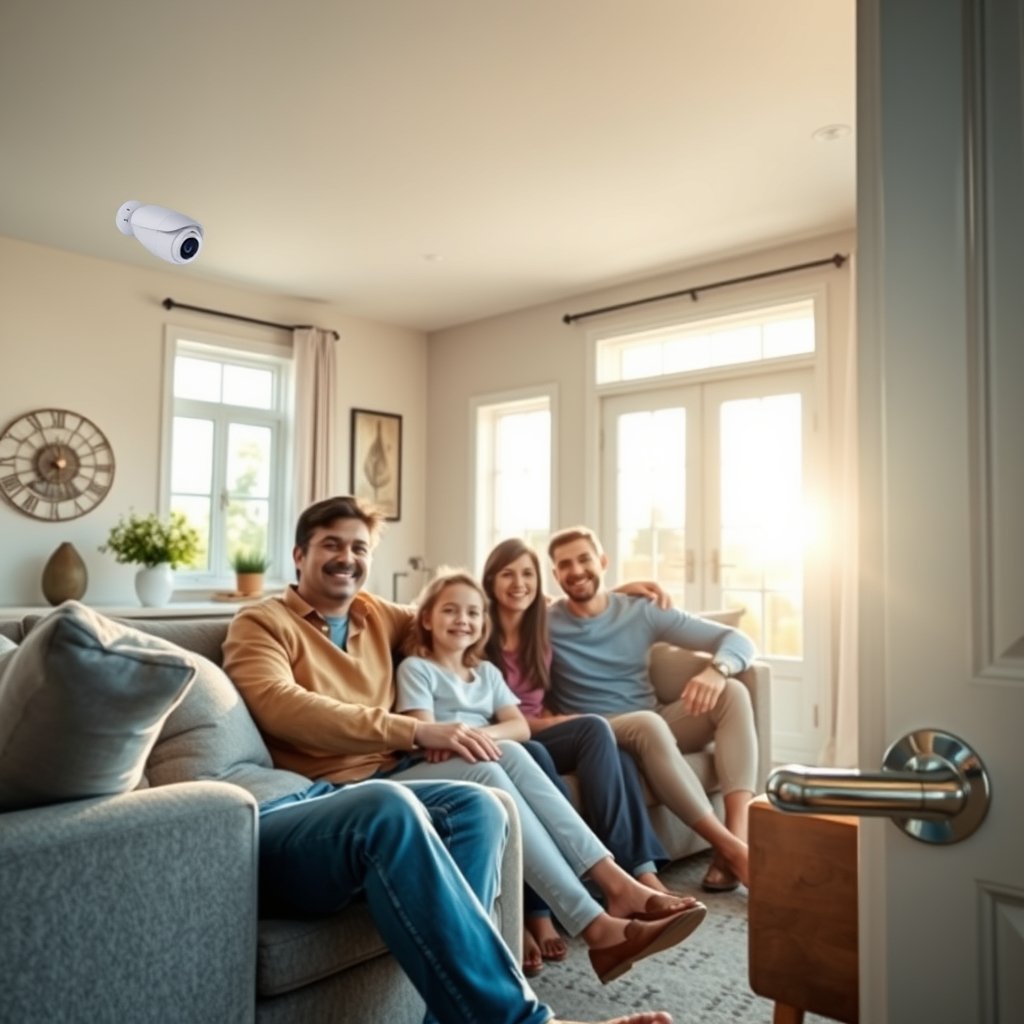
Focus not just on what works today, but on platforms with proven update support, transparent privacy policies, and broad device compatibility. Smart Home Security Systems are a big investment, but a careful, skeptical approach will protect your household and your wallet for years to come.
Ready to take control of your home’s safety—and avoid common mistakes? Review all your smart device options alongside real user feedback, or connect with our experts for unbiased, brand-agnostic guidance.
Frequently Asked Questions
Do smart home security systems lower your home insurance?
Most insurers offer 5% to 20% premium reductions for homes with approved, professionally installed smart security systems—especially those including cameras, entry sensors, and 24/7 monitoring. Always verify qualifying systems and installation methods with your insurer.
Can renters install smart security devices?
Yes. Many top security cameras, video doorbells, and smart locks are designed for renter-friendly, non-permanent installation. Some landlords may require notification—double-check your lease first.
Are there privacy risks with these systems?
Yes. Smart home security systems can expose users to hacks, video leaks, and data misuse—especially if devices aren’t updated or use poor-quality apps/clouds. Choose brands with strong privacy track records and always activate two-factor authentication.
Will my system work if the Wi-Fi or power fails?
Most smart cameras and alarms need Wi-Fi and power to function. Some systems offer limited battery backup or cellular failover, but expect gaps in video recordings or notifications during outages unless you install robust fallbacks.
How can I integrate old and new devices?
Look for systems compatible with open standards (like Matter or Z-Wave) or those that support multiple platforms (Alexa, Google, Apple HomeKit). Avoid brand “lock-in,” and consider professional help for complex legacy integrations.
