

Smart Home Security Systems are now everywhere in 2026, but most reviews and buying guides miss crucial issues—like privacy risks, spiking cyber-attacks, and whether the latest AI features are truly worth it.
Key Takeaways
- Adoption of smart home security tech is mainstream, but cost and privacy concerns are growing.
- Most “Best Home Security Systems” guides overlook hidden cybersecurity risks and long-term reliability challenges.
- User frustrations center on camera hacking, frequent battery issues, and confusing system updates.
- Smart Home Security Systems in 2026: Adoption & Costs
- What’s New in Home Security? 2026 Market Trends
- Real User Experiences: Complaints & Security Weaknesses
- Comparing 2026’s Best Home Security Systems: What Matters (and What’s Missing)
- The Bottom Line: Choosing a System That’s Safe, Smart, and Future-Proof
- FAQ
Smart Home Security Systems in 2026: Adoption & Costs
In 2026, smart home security systems are more common than ever. According to Strategic Market Research, the global smart home security market is valued at $32.5 billion and is set to nearly double by 2029, growing at over 13% annually. About 52% of U.S. households now have at least one security camera; 45% actively use video doorbells, and 20% to 22% have installed smart locks. In fact, 93% of Americans own at least one smart device, often starting their journey with home security.
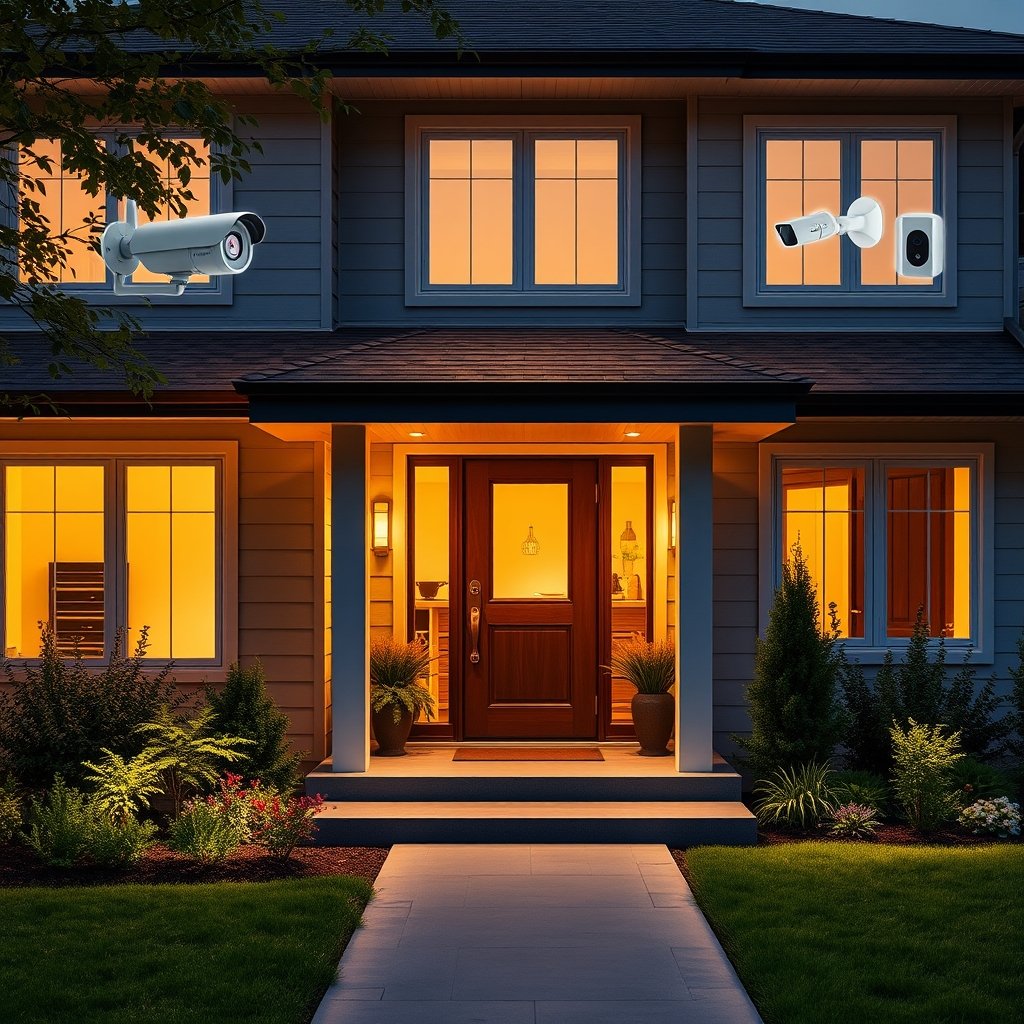
Costs vary based on system type and service level. DIY starter kits for cameras or locks can start at $200-$500, often with optional monitoring for $20-$40 monthly. Professional systems are pricier: expect $1,000-$1,500 upfront, plus a $30-$60 per month subscription for monitoring and cloud storage. In either case, most modern solutions integrate with Alexa, Google Assistant, or Apple HomeKit platforms.
For those seeking to make their homes even more connected and efficient, consider adding a smart home energy monitor for complete oversight.
What’s New in Home Security? 2026 Market Trends
The landscape for smart home security systems is shifting fast. Nearly half (49%) of today’s alarm users opt for DIY installation—a big jump compared to prior years. Simultaneously, AI-powered detection is now standard in leading security cameras, enhancing everything from human and vehicle recognition to auto-filtering false alarms.
Hubs are getting smarter, featuring compatibility with protocols like Zigbee and Z-Wave. Subscription services have exploded; brands now charge for advanced features like person detection, extended video storage, or professional monitoring.
But with more connected devices comes a dangerous surge in cyber threats. According to Fortune Business Insights, there was a staggering 124% rise in cyber-attacks on smart home and IoT devices in 2026 alone. Many users underestimate these digital risks, leaving their Wi-Fi, routers, and devices open to intrusion.
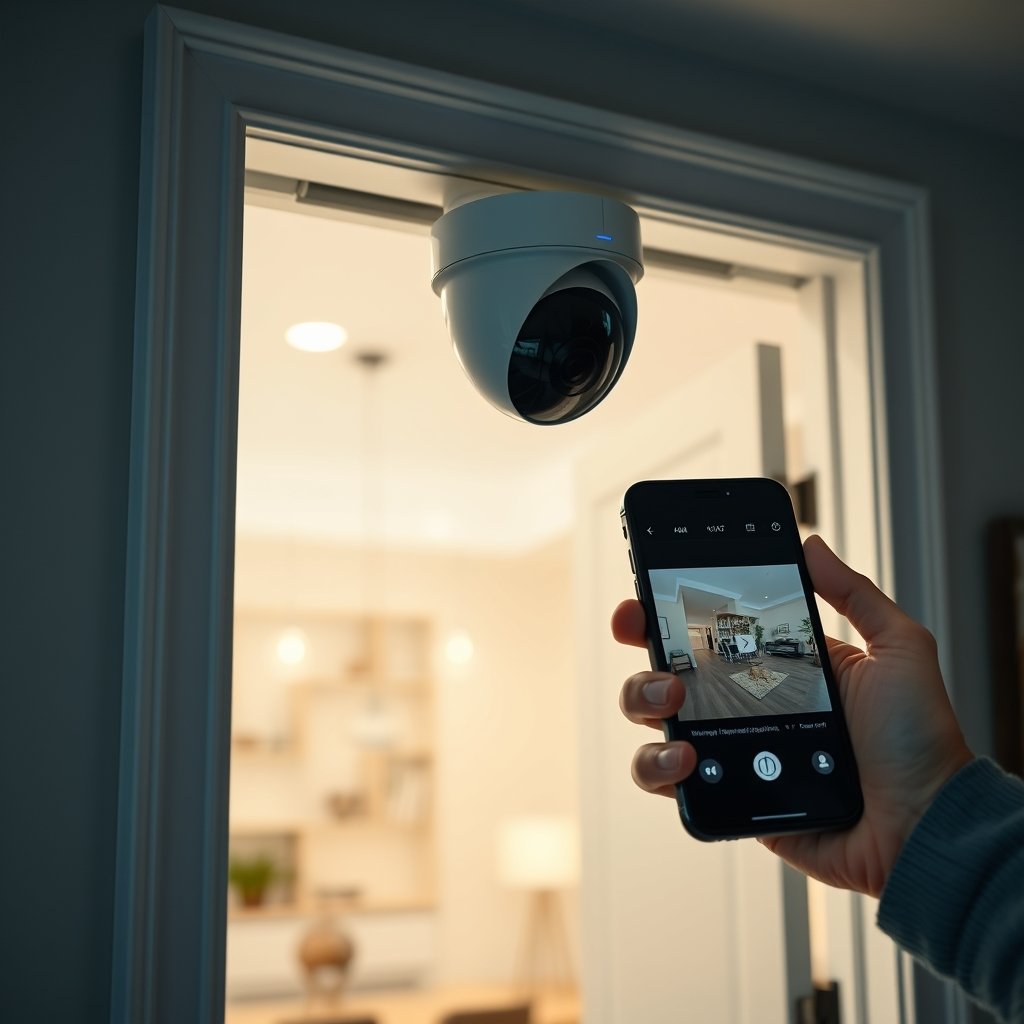
If you are investing in a broader smart home ecosystem, balance advanced AI features with installation simplicity and consistent support. For more on hassle-free smart upgrades, see our advice on high-ROI home improvement ideas.
Real User Experiences: Complaints & Security Weaknesses
Digging into forums and recent surveys reveals recurring pain points that most “Best Home Security Systems” guides gloss over:
- Security Cameras: Hacking is real. Privacy concerns have not slowed, with 57% of Americans citing data worries and 46% specifically fearing their cameras or systems could be breached. False motion alerts and unreliable video quality (especially at night or during poor weather) are top complaints. Regular disconnection from Wi-Fi is also an issue.
- Video Doorbells: Battery life disappointments and laggy notifications frustrate users. Many doorbells are targets for data harvesting and privacy policy overreach. Users also struggle with poor video resolution and unreliable real-time alerts.
- Smart Locks: Battery failure is a leading cause of lockouts, even with “low battery” warnings. Some locks are still vulnerable to Wi-Fi or Bluetooth exploits, while others have compatibility issues with certain smart speakers or home automation hubs.
A recent national survey confirmed these pain points are mainstream—not one-off problems. For a detailed breakdown:
| Device | Top User Complaint (2024) | Security Weakness |
|---|---|---|
| Security Cameras | Hacking | Frequent disconnections | False alerts | Firmware gaps, Unencrypted data streams |
| Video Doorbells | Short battery life | Poor notifications | Cloud privacy policies, Exposed APIs |
| Smart Locks | Battery fails | Incompatibility | Bluetooth spoofing, Weak access controls |
If seamless device integration matters to you, explore smart home devices that improve both convenience and compatibility.
Comparing 2026’s Best Home Security Systems: What Matters (and What’s Missing)
Most consumer guides break down the “Best Home Security Systems” by price, monitoring type, platform integration, and AI features. Here’s what a typical expert matrix covers:
| Feature | DIY Systems | Professional Systems |
|---|---|---|
| Monitoring | Self/Optional Subscription | 24/7 Staffed Monitoring |
| AI Detection | Person/Vehicle Packages Paid Add-ons | Included with Monitoring Fee |
| Platform Compatibility | Alexa | Google Home | Apple | Z-Wave/Zigbee | Typically broader, includes pro automation tools |
| Backup (Power/Connectivity) | Battery | Broadband, Some Cellular | Cellular, Professional Installation |
| Typical Cost | $200-$500 up, $20-$40/mo | $1,000-$1,500 up, $30-$60/mo |
But many guides skip key questions:
- Privacy Policy: Is it easy to read and do you fully control your data?
- Update Frequency: Does the brand push software patches and security improvements, or is your device vulnerable for months?
- Integration Reality: Do integrations actually work? (Many “compatible” systems have unreliable connections between smart locks, cameras, and other platforms.)
Trusted review sites like SafeHome.org and Security.org rank brands such as ADT, SimpliSafe, Vivint, Abode, and Ring for leadership in monitoring, device integration, and overall value.
If you’re still weighing kitchen upgrades or broader renovations, balancing future tech and privacy is key. For hidden storage and seamless design, see appliance garage ideas that pair well with discreet security installations.
The Bottom Line: Choosing a System That’s Safe, Smart, and Future-Proof
Choosing from the sea of smart home security systems is complicated—especially as the risks evolve as fast as the features. Adoption is up, but so are cost and data-security anxieties. Be sure your final shortlist covers not just AI features and broad compatibility, but history of regular firmware updates, clear privacy policies, and demonstrated reliability.
Ask tough questions before you buy: Where is your video data stored? How often is the software updated? What failsafe exists if the Wi-Fi or batteries die? The best home security systems put your family’s safety and privacy first—without locking you into expensive, buggy, or outdated tech.
Ready to take full control of your home’s protection and tech future? Explore our in-depth guide to top home upgrades, or get practical tips for DIY installation of smart devices. Smart Home Security Systems are now a must-have, but only if you install, manage, and maintain them with security and longevity in mind.
FAQ
Are smart home security systems safe from hackers?
No device is 100% hack-proof, but risk can be lowered by enabling two-factor authentication, updating firmware regularly, and creating a separate network for smart devices.
Is it better to choose DIY or professional installation?
DIY systems are cheaper and offer flexibility, but professional installs provide 24/7 monitoring, cellular backups, and often better customer support. Choose based on your home’s needs and your comfort with tech.
Do all security cameras require a subscription?
No. Many brands offer basic live-view and notifications for free. Subscriptions are usually needed for video storage, AI features, or enhanced customer support.
What are the biggest drawbacks of smart locks?
Battery failure, dropped connections, and app bugs can cause lockouts. Some older models are vulnerable to Bluetooth or Wi-Fi spoofing attacks.
How do I spot a trustworthy privacy policy?
Read the privacy section closely—look for clear statements about who owns the footage, how long it’s kept, and whether sharing with third parties is allowed.
