

Smart Home Security Systems are reshaping how U.S. homeowners think about safety, privacy, and convenience in 2026. But while the market is booming, rapid adoption brings new integration challenges and privacy gaps that too few buyers see coming. If you’re considering a new system or an upgrade, here’s what you really need to know to make a confident, future-proof choice.
Key Takeaways
- The U.S. smart home security market reached $28.3 billion in 2026, with 61% of households now owning at least one smart security device.
- Top complaints include device failures, camera lag, unreliable smart locks, and concerns over privacy and cloud data protection.
- Buyers should prioritize compatibility, privacy protections, and ongoing cybersecurity support when selecting a system for long-term reliability.
- The State of Smart Home Security Systems in 2026
- Device Compatibility and Integration—Why It Matters for Security
- Top User Complaints—What Most Homeowners Don’t Realize Before Buying
- What the Best Home Security Systems Still Get Wrong
- Choosing the Right System for 2026 and Beyond—What to Prioritize
- FAQ: Smart Home Security Systems
The State of Smart Home Security Systems in 2026
The market for Smart Home Security Systems has shattered records in 2026—61% of U.S. households have adopted at least one smart security device. Security cameras lead with 52% ownership (roughly 74.9 million U.S. homes), followed closely by video doorbells (45%) and smart alarms. Major brands like Ring (43% market share), Amazon, Google, Samsung, Honeywell, and Apple dominate the landscape. The U.S. smart home sector is now valued at $28.3 billion, showing explosive growth and a clear shift toward self-installed systems.
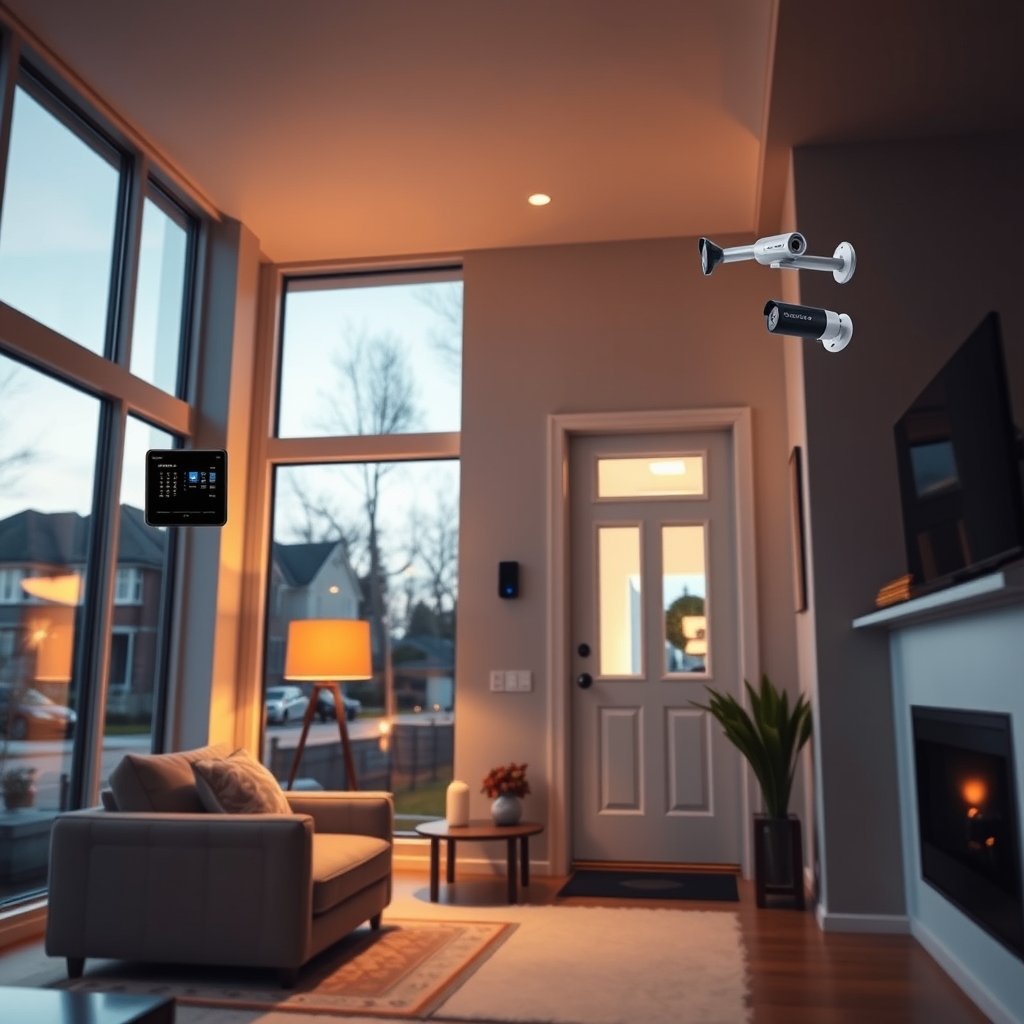
DIY installations have officially overtaken professional setups—49% of recent installations are now user-driven as homeowners seek more flexible, affordable solutions. Features most in demand include AI-driven motion alerts, app-based monitoring, and seamless integration with voice assistants and other smart devices. To explore broader device types and automation trends, see these smart home device recommendations.
Yet, with surging adoption come growing pains: integration headaches, privacy confusion, and device reliability challenges that often only surface after purchase. U.S. homeowners are realizing that not all “smart” products are equally secure or future-ready.
Device Compatibility and Integration—Why It Matters for Security
Seamless integration is more than just convenience—it’s foundational for home security. Modern systems frequently combine security cameras, video doorbells, and smart locks. If these devices don’t speak the same protocol, you risk patchy coverage and frustrating disruptions.
Here’s how to ensure strong compatibility and integrated security at home:
- Inventory your current devices: List every smart device, including older brands, and check their compatibility with leading hubs or new systems you’re considering.
- Choose multi-protocol hubs: Prioritize systems that natively support both Z-Wave and Zigbee—like Abode Iota—for maximum flexibility. Some hubs only support one protocol or require clunky add-on bridges.
- Test cross-brand pairing: Before a big install, try pairing one or two devices from different manufacturers to see if you run into setup issues, lag, or feature limitations.
- Secure your network: Update router firmware, use strong passwords, and disable outdated integrations. This is critical for both privacy and reliable day-to-day operation.
- Plan for upgrades: As you consider extending your system (like adding more security cameras or upgrading smart locks), check compatibility roadmaps—not all new devices will connect to aging hubs or apps.
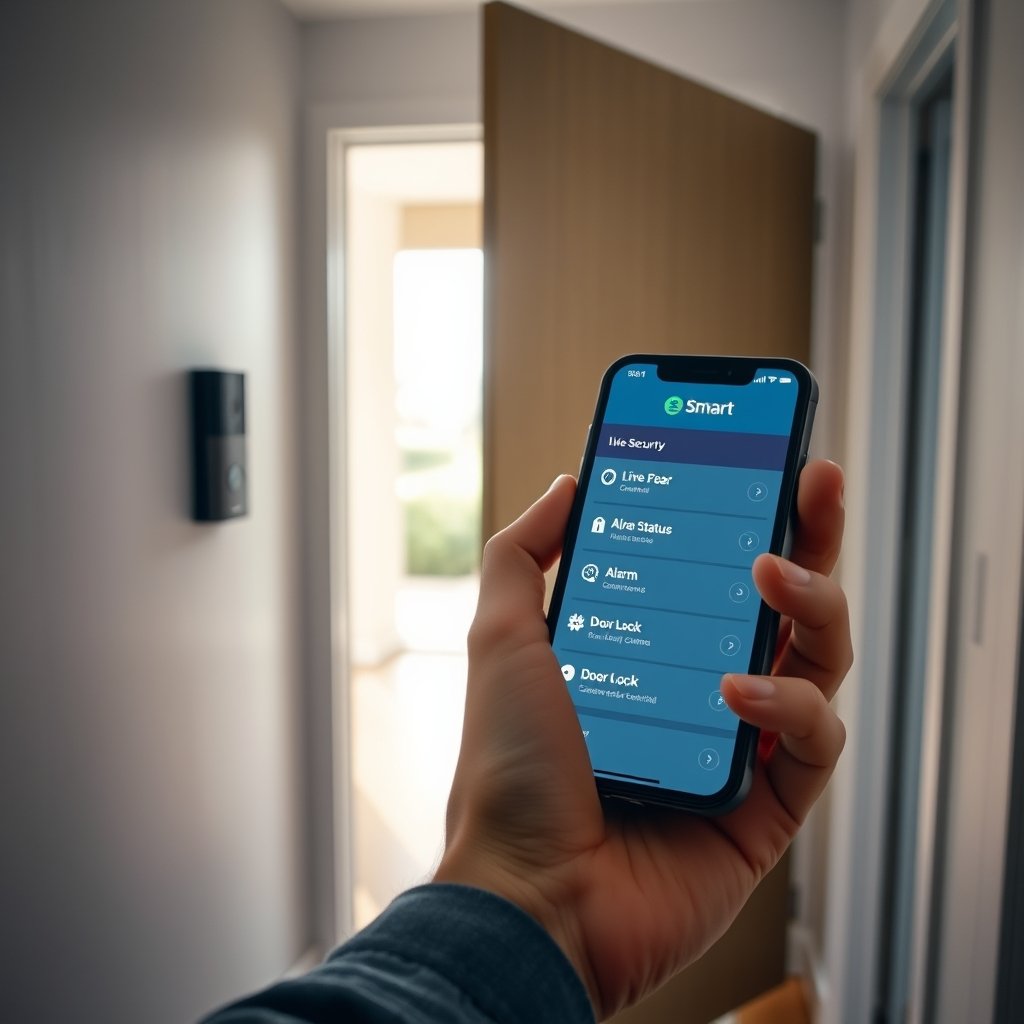
This proactive compatibility approach reduces the risk of “dead zones” and future-proofs your investment. For more tips on maximizing your home’s tech investments, see this detailed home improvement ROI guide.
DIY installations now outpace professional ones (49% vs. 42%), but mixing brands without a plan risks headaches with software updates and ecosystem support. See how smarter upgrades impact your home’s energy profile in our energy monitor guide.
Top User Complaints—What Most Homeowners Don’t Realize Before Buying
Even the best home security systems frequently disappoint users with device failures and unexpected gaps. Here’s what real-world reviews and user feedback reveal:
| Device Type | Most Common Complaints | Critical Data Point |
|---|---|---|
| Security Cameras | Laggy livestreams, false motion alerts, limited night vision | Nearly half of users experience camera failures or lag (source) |
| Video Doorbells | Poor battery life, Wi-Fi interruptions, privacy concerns with cloud recording | 45% of U.S. homes have one; battery and connectivity top complaints |
| Smart Locks | Jammed deadbolts, unreliable Bluetooth pairing, frequent battery replacement | Users cite physical reliability and app bugs as ongoing frustrations |
Integration headaches are also pervasive. Many users discover too late that their new system doesn’t work seamlessly with existing devices—especially when mixing brands. A lack of universal standards can lead to patchwork automation and weak points in security coverage.
Cloud recording—often sold as an added benefit—can expose your video footage and access logs to unexpected data sharing if proper privacy controls aren’t in place. For security-conscious buyers, choosing systems that offer strong local storage and transparent privacy policies is vital.
For more guidance on avoiding costly mistakes during home upgrades, browse our home improvement mistakes guide. And if you’re already planning a larger remodel, check which smart security features integrate best in current renovation workflows.
What the Best Home Security Systems Still Get Wrong
Despite glowing review scores, even leading Smart Home Security Systems share some critical weaknesses. These gaps expose homeowners to future hassle—or worse, to real security and privacy risks.
- Lack of Robust Privacy Standards: There is no comprehensive, industry-wide set of privacy or data security benchmarks. Top brands offer different levels of data protection, and some are vague about how your footage or access logs might be shared or stored.
- Poor Cross-Brand Interoperability: “Works with X” does not mean seamless integration. Many systems require extra bridges or limit features when you mix devices from different brands, resulting in either fragmented coverage or added ongoing costs.
- Limited Long-Term Cybersecurity Support: The majority of devices are not engineered for 5+ years of OTA (over-the-air) cybersecurity updates. As threats evolve, this exposes users to new vulnerabilities long after the warranty expires.
For buyers, this means always scrutinizing privacy policies and update commitments before purchase. Systems focused on true longevity are rare, but essential. To dig deeper into how emerging smart tech connects with privacy and usability, see this in-depth market report and consider the evolution of connected devices from this trend analysis.
Choosing the Right System for 2026 and Beyond—What to Prioritize
With the global smart home market expected to exceed $170 billion in 2025, your investment in Smart Home Security Systems must be built on solid ground. Here’s what to look for, based on real data and expert analysis:
- Wide Compatibility: Ensure your system supports major protocols like Z-Wave and Zigbee and integrates reliably with both your current and planned devices.
- Transparent Privacy Controls: Insist on systems with clear privacy settings, strong local storage options, and data policies that put user rights first.
- Extensible Architecture: Choose solutions that make it easy to add sensors, locks, or cameras over time without losing app or automation features.
- Responsive Customer Support: If something fails, access to fast, U.S.-based support can mean the difference between hours of frustration and a quick fix. Check up-to-date user reviews on support performance.
- Regular Security Updates: Opt for brands committed to multi-year OTA cybersecurity updates for all their devices, not just for the first buyers of a new model.
If you live in a connected home, you may also want to integrate security with energy-saving or convenience features. For a wider look at modernizing your home to boost value and save on energy, see these resources:
The right system isn’t just about what’s popular in 2026—it’s about what will stay secure and compatible for years to come. Take the time to research roadmaps for both software and hardware updates before you commit.
Conclusion
Today’s Smart Home Security Systems offer impressive new capabilities, but not every option is as secure—or future-proof—as it seems. By prioritizing compatibility, privacy, and ongoing cybersecurity updates, you’ll avoid common pitfalls and enjoy smarter security for years ahead. Use this guide as your starting point to make an informed, confident decision—and review in-depth resources as you map out your purchase.
Ready to secure your home with a system that puts your privacy and safety first? Start comparing top Smart Home Security Systems today and build a solution tailored to your real needs.
FAQ: Smart Home Security Systems
What is the most important feature to look for in smart home security systems?
Device compatibility is key. Choose systems that support major protocols like Z-Wave and Zigbee, allowing integration with a larger selection of cameras, sensors, and locks.
Can I mix and match devices from different brands?
Yes, but only if your hub supports multiple wireless standards and has reliable third-party integration. Research compatibility carefully to avoid gaps in coverage.
How secure are cloud-based recordings on popular systems?
Cloud recordings are convenient but raise privacy concerns if not properly protected. Always review data privacy policies and opt for systems with strong encryption or the option for local storage.
What ongoing maintenance is required for smart home security?
Check for regular firmware updates from the manufacturer, replace batteries in cameras and locks as needed, and review network security settings at least twice a year.
Will installing a smart home security system increase my home’s value?
Yes, many buyers now look for modern security features, and recent studies find that integrated systems can raise perceived home value. For best results, choose solutions with proven long-term support.
