

Smart Home Security Systems are transforming the way families in the U.S. protect their homes, but many homeowners are still left wondering which solution truly fits their needs, budget, and tech comfort level.
Key Takeaways
- Over 50% of U.S. households now use security cameras, making smart home security systems a mainstream choice—yet common frustrations remain unresolved.
- The real pain points are not just tech features, but installation complexity, cost transparency, data privacy, and long-term reliability.
- Buyer diligence is crucial: ask tough questions about integration, ownership costs, and ongoing support before investing.
- The 2026 Landscape: How Widespread Are Smart Home Security Systems?
- What Matters Most: Understanding User Pain Points with Cameras, Doorbells, and Smart Locks
- Are “Best” Systems Really Addressing Key Buyer Concerns?
- What Review Sites Miss: 3 Critical Questions to Ask Before You Buy
- Making the Right Choice: Checklist for Evaluating Your Smart Home Security System
- Conclusion
- FAQ
The 2026 Landscape: How Widespread Are Smart Home Security Systems?
The adoption pace for Smart Home Security Systems in the U.S. has hit record highs. In 2026, about 52% of U.S. households have security cameras and 45% use video doorbells, signaling real market penetration—translating to a staggering 74.9 million homes equipped with at least one camera setup. The U.S. smart home security market is valued at approximately $15.1 billion and is projected to grow around 7% annually through 2035. On the global stage, the sector reached $56 billion in 2023 and could hit $93 billion by 2029, growing at 8.9% CAGR.
Why does this surge matter for you? It means these systems are no longer just for the ultra-techy. The convenience, safety, and peace of mind are now mainstream, yet buyer expectations have become more sophisticated and skeptical.
For many homeowners, installing a new smart home security system signals a practical investment in both safety and lifestyle flexibility. With robust choices from vendors like SimpliSafe, Ring, Vivint, and ADT, comparing best home security systems is easier than ever. However, more options also mean more to scrutinize—especially when marketing gloss can hide real flaws.
What Matters Most: Understanding User Pain Points with Cameras, Doorbells, and Smart Locks
Adoption is increasing, but so is the list of customer gripes. Recent buyer surveys and industry research point to four recurring frustrations with core smart home security devices:
- Complex or confusing DIY installation: Many users struggle with mounting security cameras, adjusting angles to avoid blind spots, or connecting doorbells to both wiring and WiFi. Setup videos can help, but still require a modest level of patience and technical confidence.
- Coverage and reliability gaps: Even highly rated security cameras are often let down by blind spots, WiFi dropouts, or unresponsive apps—especially in larger homes.
- Ongoing privacy and data security worries: High-profile cloud breaches and poorly communicated privacy policies fuel ongoing anxiety about who might really be watching through your cameras and smart locks.
- Opaque or escalating video storage fees: Some vendors bury actual costs behind monthly fees for video history—making true ownership costs hard to predict. Users also complain about “subscription creep” as families add more cameras and features.
According to recent research, homeowners’ top concerns are no longer just about stopping break-ins, but about how easy, transparent, and future-proof these devices truly are.
And it’s not just security cameras. Many smart locks and video doorbells come with their own unique headaches: short battery lives, tricky firmware updates, and limited integration with non-proprietary platforms are cited as major annoyances.
If you’re interested in integrating your entryway tech with kitchen or living space upgrades (like concealed kitchen appliances or backyard pergola kits), it’s wise to factor in these limitations early.
Are “Best” Systems Really Addressing Key Buyer Concerns?
Marketing for the Best Home Security Systems promises the world, but are leading brands delivering where it matters to suburban families?
Industry data shows three main adoption drivers—rarely addressed together in typical reviews:
- Plug-and-play, self-installation: Most buyers want to avoid drilling, rewiring, or paying for professional setup. Vendors like Ring, SimpliSafe, and Abode are leading on this front with tool-free packages and easy unboxing.
- Flexible, predictable pricing: A transparent, affordable base package with optional upgrades is increasingly seen as non-negotiable. Yet, many “great deal” systems layer on costly video storage, premium support, or smart lock integration fees later.
- AI-powered features and reliable integration: Smart notifications, person detection, package alerts, and quick syncing with popular voice assistants are must-haves. Clunky apps or siloed accessories are becoming deal-breakers for many homeowners.
However, “best of lists” often gloss over real-life issues, such as how hard it is to actually achieve full-home coverage or what it means when your smart lock battery dies on a freezing night. True compatibility with energy monitoring devices like smart home energy monitors is another underexplored consideration if you’re building a wider connected ecosystem.
What Review Sites Miss: 3 Critical Questions to Ask Before You Buy
Most product roundups focus on megapixels, app design, and sleek packaging. Yet if you want a smart home security system that won’t disappoint, these are the often-overlooked questions to ask upfront:
- What’s the total cost of ownership—including video storage and subscription tiers?
Some systems charge for cloud storage after a “trial” period, making yearly costs far higher than the sticker price. Others charge extra if you add more smart locks or security cameras over time. - How well does this system integration with the rest of your smart home?
Many systems play nicely with Amazon Alexa or Google Assistant, but far fewer work seamlessly with apps, routines, or third-party devices you may want to add down the line. Real-world compatibility is frequently limited—a fact often hidden in fine print. - What’s the warranty, update, and battery policy?
Lock batteries failing after six months, outdated cameras losing support, or poor customer service for replacements can tarnish the experience. Double-check update schedules and battery specs before making a decision.
These questions matter especially if you plan to coordinate your security with broader home updates, such as an energy efficient home project or a move to more affordable home upgrades.
Recent consumer interviews highlight that many “best of” reviews globally underweight two top user pain points: limited third-party integrations and unsatisfactory battery life. For example, some popular video doorbells can’t be integrated with common backyard or garage upgrades.
Making the Right Choice: Checklist for Evaluating Your Smart Home Security System
Too many buyers focus only on initial price or a single feature. Use this checklist to avoid common mistakes and make sure your next system is truly “future-proofed” for your family:
- Ease of installation: Can you set it up solo, or will you need tools, drilling, or outside help?
- Transparent ownership costs: Are all monthly, annual, or cloud storage fees clear—and will they go up as you add devices?
- Ongoing support and warranty: Check for multi-year hardware support, and clear firmware and security update commitments.
- Strong data privacy: Does the brand offer end-to-end encryption and transparent privacy statements?
- Seamless integration: If you already use other smart devices (lights, thermostats, or even a garage organization system), will new security cameras, smart locks, and video doorbells play nicely together?
Remember: With 74.9 million U.S. homes already using security cameras, it’s more important than ever to choose a system that will last, not just impress on unboxing. Overlooking these elements can lead to frustration, wasted money, and underwhelming performance in the years ahead.
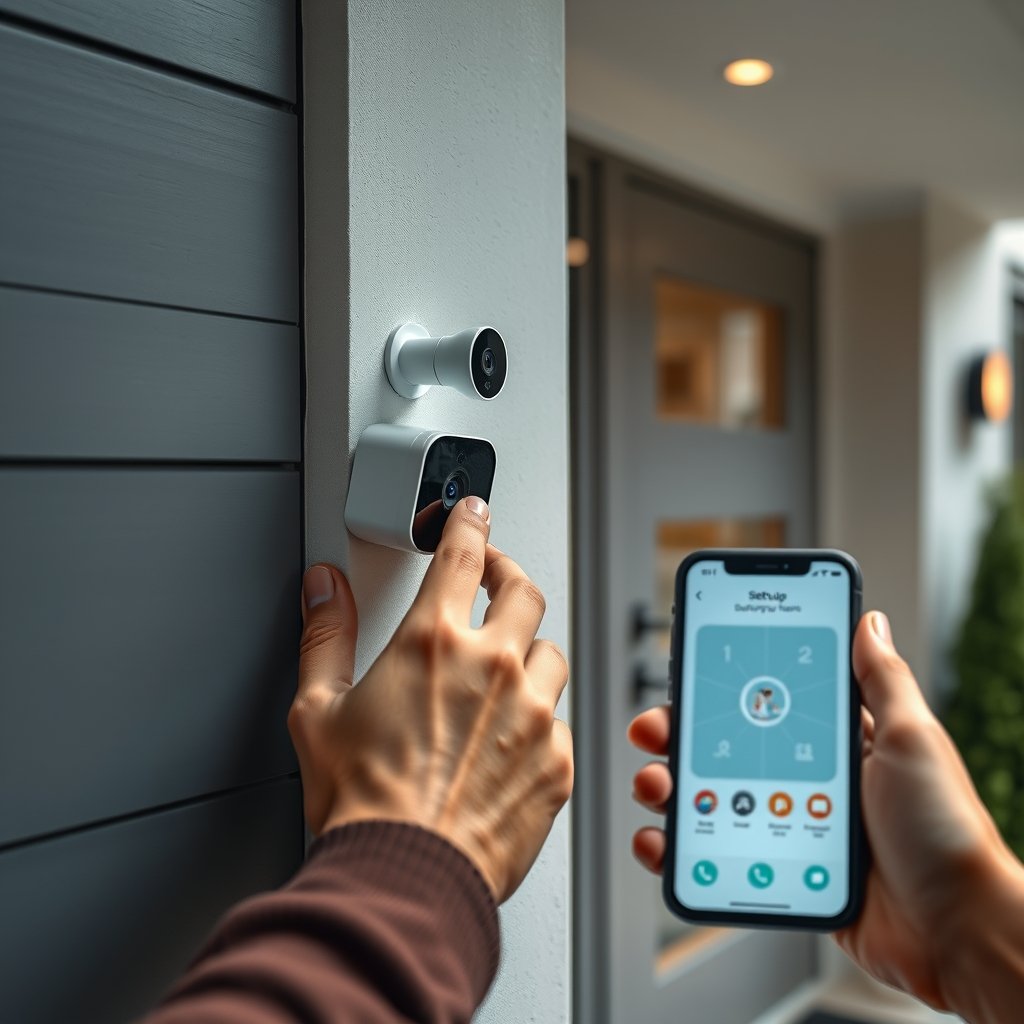
For those embarking on broader home improvement journeys, combining a smart security system with other upgrades—such as modern home improvement ideas—can yield even more value, but raises the bar for true integration and support.
Conclusion
Choosing the right Smart Home Security Systems today means weighing far more than device specs or app ratings. True value shows up in transparent costs, real-world simplicity, and proven integration—not sales hype.
Take your time, question everything, and ask your vendor for specifics about ecosystem fit and total cost. When you invest carefully, your smart home security system will deliver convenience, protection, and peace of mind—for years, not just months.
Ready to build a safer connected home? Compare solutions, check compatibility, and make an investment in security that grows with your family.
Don’t wait until after a break-in—start your smart security upgrade today.
FAQ
Are professionally installed or DIY smart home security systems better for most homeowners?
DIY smart home security systems have come a long way—most suburban homeowners can install them in a few hours with basic tools. Professionally installed systems offer more customization and support, but add costs and contracts. If you’re reasonably handy and want flexible pricing, start with a DIY kit. For large homes or if you want zero setup hassle, a pro install may be worth it.
Is it possible to use smart locks, security cameras, and video doorbells from different brands together?
Yes, but integration is often limited unless devices support open protocols (like Z-Wave or Zigbee) or are compatible with major hubs (e.g., SmartThings, Apple HomeKit). Always confirm compatibility before buying—otherwise, you’ll juggle multiple apps and may lose out on unified automation.
Are there hidden costs with smart home security systems beyond upfront equipment?
Absolutely. Many users are surprised by locked-in subscription fees for video storage, monitoring services, feature upgrades, and even replacement batteries. Always ask for a full cost projection over three years. Watch for fees that scale with added cameras or advanced features.
How can I maximize privacy and data security with smart home devices?
Choose brands with clear, strict privacy policies and end-to-end encryption. Regularly update firmware and change default passwords. Place cameras only in truly public spaces (not bedrooms or bathrooms) and confirm you can turn off cloud streaming if desired.
What happens if my smart lock battery dies or the system goes offline?
Most smart locks have physical key overrides, but some budget models do not. Always check manual unlock options and keep spare batteries on hand. If the system loses WiFi, local unlocking and manual controls should still function—test these before relying fully on automation.
