

Smart Home Security Systems are no longer a futuristic perk—they’re now the frontline defense in millions of American homes. With property crime shifting and tech adoption accelerating, choosing the right system is more critical (and complicated) than ever. Here’s what you need to know to make a smart, frustration-free choice in 2026.
Key Takeaways
- Burglary rates in the U.S. have dropped to historic lows, but the demand for smart home security continues to surge, fueling a $32.5 billion market.
- Most Americans now rely on cameras, video doorbells, and smart locks—yet major complaints like battery life, unreliable alerts, and hidden fees remain unresolved.
- Popular review lists often ignore deal-breaker features: local storage options, true privacy policies, extra fees, and ease of installation.
- 2026 Home Security Landscape: Are Smart Systems Making Us Safer?
- The Rise of Smart Home Security: What Americans Are Actually Using
- Best Home Security Systems in 2026: A Quick Comparison
- Real User Frustrations: What to Watch Out For When Choosing Devices
- Must-Have Features—And the Overlooked Criteria Most Reviews Miss
- Making the Decision: Which Smart Home Security Solution Is Truly Best for You?
- FAQs: Smart Home Security Systems
2026 Home Security Landscape: Are Smart Systems Making Us Safer?
Across the U.S., property crime continues to slide. In 2026, burglary rates dropped another five percent year over year, averaging just under one incident per 1,000 residents. Between May 2025 and April 2026, the FBI reported a 10.5 percent dip in reported burglaries. What’s behind the trend? One major factor is the explosive growth in Smart Home Security Systems—from security cameras to smart locks—making break-ins riskier and less appealing for would-be thieves.
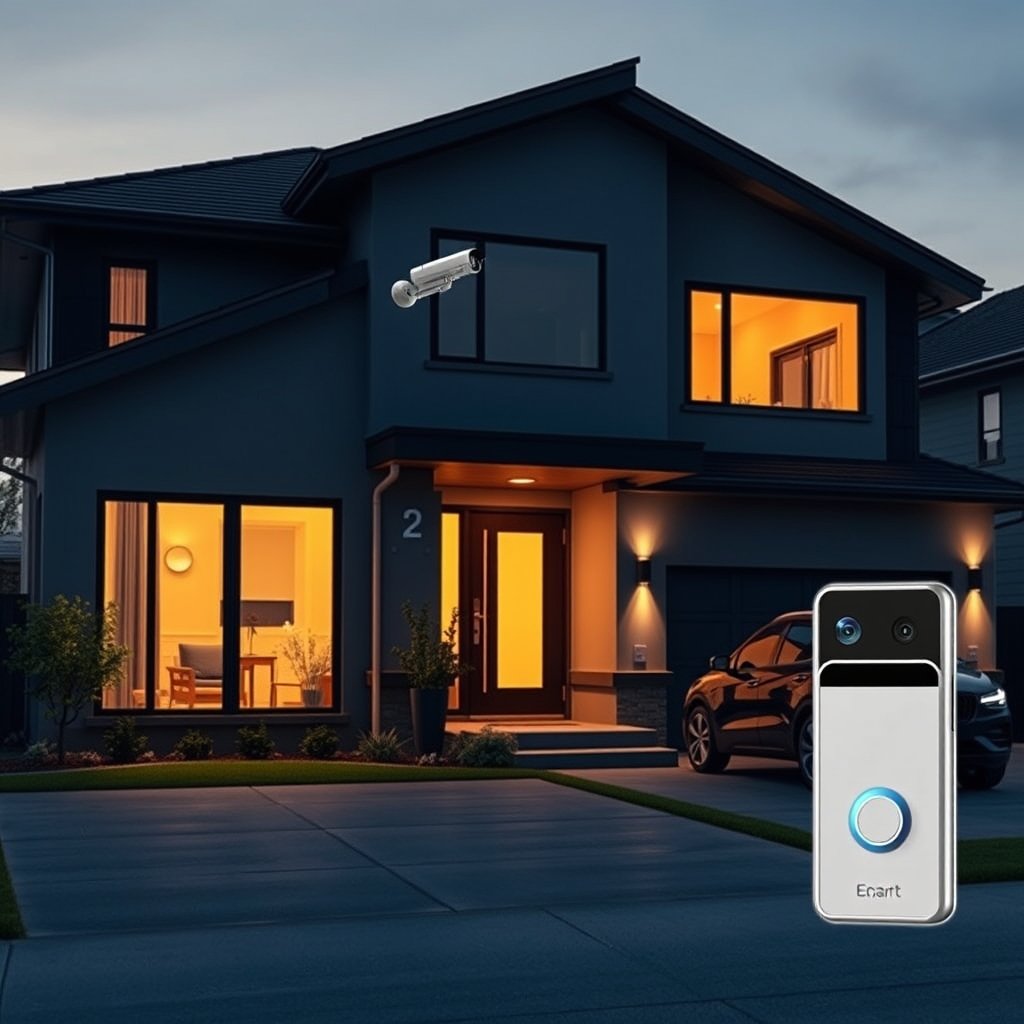
But it’s not just fear driving adoption. Insurance companies reward homes with monitored systems, and the market now features more user-friendly, affordable, and customizable options than ever before.
Still, despite falling crime stats, Americans remain uneasy: most still believe crime is rising. That uncertainty keeps demand for home security upgrades strong.
For a look at other home trends boosting property value, see our guide to Home Improvement Ideas.
The Rise of Smart Home Security: What Americans Are Actually Using
Smart home security isn’t just about video doorbells anymore. In 2026, these are the most-adopted tools among U.S. households:
- Indoor/outdoor cameras: 52 percent
- Video doorbells: 45 percent
- Monitored alarm systems: 28 percent
- Smart locks: 20 percent
All told, Americans spent over $32.5 billion on smart security tech last year alone. DIY options (like Ring, SimpliSafe, or Abode) are more affordable and flexible, with no long-term commitment.
Here’s how to get started:
- Assess your home’s points of entry. Map out doors, windows, and less-visible entryways. The more entry points, the more sensors and cameras you’ll need.
- Decide on professional vs. DIY installation. Professional systems like ADT offer turn-key setup and monitoring, but at a premium and usually with a contract. DIY options (like Ring, SimpliSafe, or Abode) are more affordable and flexible, with no long-term commitment.
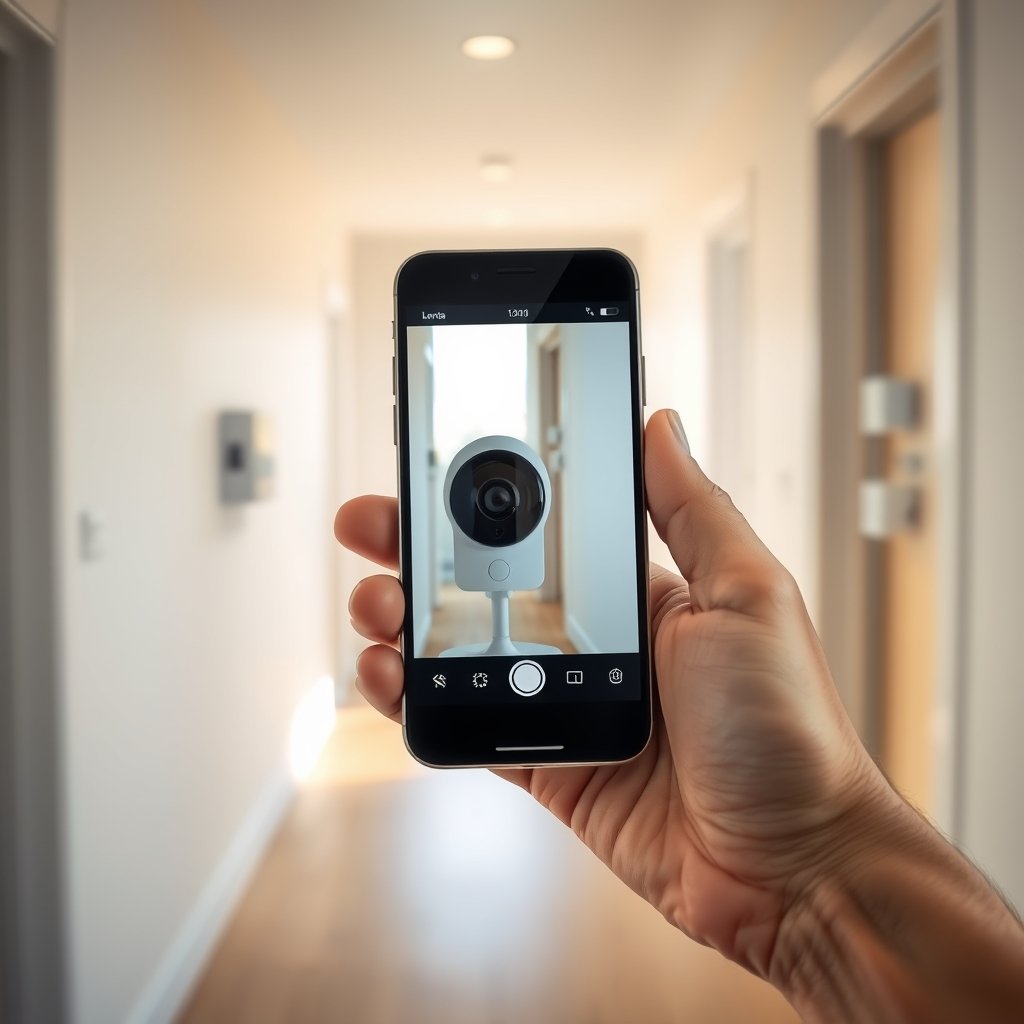
- Compare security camera placement and connectivity. Outdoor weather resistance, night vision, and reliable Wi-Fi are musts. Place doorbell cameras where faces—not just torsos—are visible. Opt for dual-band Wi-Fi wherever possible.
- Investigate subscription fees before buying. Most brands—especially for cameras and video doorbells—lead with “free tier” plans, but critical features (full video history, AI detection) often require paid upgrades. Read the fine print.
- Test app usability and notification controls. Not all apps are created equal. The best allow granular control over motion zones, alert types, and “do not disturb” modes for busy households.
- Consider battery backup and local storage options. Reliable protection requires more than just Wi-Fi. Choose systems that can keep running during an outage and store footage locally in case of cloud/server downtime.
If you’re planning larger upgrades, you might also enjoy our Home Renovation guide, which covers ROI and project planning.
Best Home Security Systems in 2026: A Quick Comparison
The U.S. home security systems market hit $15.1 billion in 2026. Competition is fierce between established names (ADT, Vivint, Brinks) and fast-rising DIY options (SimpliSafe, Ring, Abode). Here’s how they stack up—and the issues most reviewers miss:
| Brand | Professional Install | DIY Option | Monitored Plans | Unique Pros | Deal-Breakers/Cons |
|---|---|---|---|---|---|
| ADT | Yes | Limited (ADT Self Setup) | Required (long-term contracts) | Most trusted; great integration with Google Nest; robust 24/7 monitoring | Pricey; requires contract; slow cancellation; extra fees for smart home features |
| SimpliSafe | No | Yes (easy setup) | Optional | No contracts; flexible packages; quick install | Limited ecological compatibility; advanced video AI missing unless you pay; spotty outdoor camera reviews |
| Ring | No | Yes | Optional (Essential for full functionality) | Affordable entry; strong user community; good app | Ongoing subscription fees; privacy controversies; cloudy night vision |
| Vivint | Yes | Limited | Required | Integrates with smart home devices; advanced automation | Most expensive; contract required; installation fees |
| Abode | No | Yes | Optional | Supports more smart home protocols (Z‑Wave, Zigbee, Matter) | Less brand recognition; app interface less polished |
For a deeper dive and up-to-date reviews, check out Security.org’s Best Home Security Systems.
Real User Frustrations: What to Watch Out For When Choosing Devices
The numbers show wide adoption, but real-world feedback is mixed—especially for smart locks, security cameras, and video doorbells. Here are the 2024–2025 pain points most likely to ruin your experience:
- Smart locks: Short battery life, unreliable connectivity (Bluetooth, Wi-Fi), limited compatibility with deadbolts, and delayed unlocking are frequent issues. App crashes or multi-user confusion can leave you locked out.
- Security cameras: Cloud storage fees add up, especially for multi-camera setups. False-motion alerts (from pets or passing cars) are a major complaint, as is bandwidth lag during busy times. Privacy concerns are growing as data breaches make headlines.
- Video doorbells: Delayed video streams (by 3–6 seconds) and frequent false alarms can quickly become annoying. Subscription requirements for viewing or saving footage frustrate many users. Some models are unreliable on battery, while others require hardwired power—often tricky in apartments or old houses.
Learn more about technology trends in our Home Improvement Trends 2026.
Must-Have Features—And the Overlooked Criteria Most Reviews Miss
Most “Best Home Security Systems” articles only scratch the surface. Here’s what savvy buyers (and frustrated owners) say actually matter:
- Battery backup: If your Wi-Fi or power drops, does your system keep recording and alerting?
- Local vs. cloud storage: Can you store video at home (with a microSD card or hub) to save on monthly fees and protect privacy?
- Ecosystem support: Does your system play well with other smart devices? Look for standards like Z-Wave, Zigbee, or Matter for maximum flexibility.
- Transparent privacy policy: Not all brands are equally honest about data encryption or sharing. Check for regular security updates and third-party audits.
- True cost of ownership: Factor in hardware price, installation, subscriptions, maintenance, and any cancellation or tech-support fees.
- Installation/service flexibility: Can you go the DIY route, pay for help, or do both? Are there local service pros in your area?
“Smart Home Security Systems” can be a great investment—but details like these make or break your experience. The PCMag Reader’s Choice report echoes these as top issues overlooked by most reviewers.
Thinking about energy efficiency, too? Check out our Energy Efficient Home guide for more ways to protect your home and budget.
Making the Decision: Which Smart Home Security Solution Is Truly Best for You?
No single “Best Home Security System” fits everyone. Instead, match your pick to your needs:
- Home size and layout: Larger homes, corner lots, or buildings with outbuildings need more sensors, cameras, and signal boosters.
- Family needs and routines: Households with kids, pets, or regular visitors benefit from customizable alerts, flexible access codes, and granular notification settings.
- Tech comfort level: If you’re not “techy,” choose brands with straightforward apps and strong customer support. DIY doesn’t always mean headache-free.
- Budget: Add up first-year and lifetime costs—hardware, monthly fees, upgrades, and potential repair costs.
- Renters vs. owners: Renters often need wireless, no-drill, and fully portable systems. Owners and condo boards may prefer more permanent, professionally installed setups.
In 2026, 72 percent of all security system installs were residential. DIY options are surging, growing 25 percent year over year. With that many choices, you can now find a Best Home Security System tailored to your unique home and needs—if you know what to watch for.

Want more smart ideas for every room? Explore our Invisible Kitchen trends or find Top Power Tools for DIYers.
Conclusion: Smart Home Security in 2026—Is It Worth It?
The data is clear: Smart Home Security Systems are now mainstream in the U.S., offering tangible drops in burglary rates and peace of mind for homeowners and renters alike. Yet, picking the right system demands more than comparing specs or following “best of” lists—look deeper at compatibility, privacy, storage, ongoing fees, and real-user complaints. Invest the time upfront and you’ll avoid the pitfalls that trip up so many buyers.
No home is risk-free, but with the right security system, you’re stacking the odds—and your comfort—in your favor. Ready to make your home safer? Start by outlining your needs, shopping brands with transparent terms, and staying on top of updates and emerging threats. See our full guide to Home Improvement Tips for more smart upgrades.
Have questions or need help comparing options? Leave a comment or contact us. Your perfect Smart Home Security Systems setup is closer than you think.
FAQs: Smart Home Security Systems
Are smart home security systems easy to install?
Most DIY systems are designed for quick, tool-free installation, but some brands offer professional setup if you prefer. Wireless models are especially renter-friendly and portable.
What are the main downsides of smart door locks?
The biggest issues are battery life, finicky connectivity, and occasional app crashes. Not all locks work with every deadbolt—check compatibility before buying.
Can smart security cameras work without a subscription?
Some cameras include basic live view and local storage without fees, but features like video history, AI detection, and cloud backups usually require a subscription.
How secure is the data from my home security system?
It depends on the brand’s privacy practices. Look for companies with strong encryption, clear privacy policies, and regular software updates. Your system is only as secure as its weakest link.
Which is better: professional or DIY home security?
Professional systems offer expert installation and monitoring, but at a higher cost and less flexibility. DIY options save money, are easier to customize, and offer contract-free ownership, but may require more troubleshooting.
